Tempe Trophy speed and structure
A WooCommerce trophy store whose product pages took 19 seconds to show on a phone. Now under 4, with checkout working exactly as before.
- Client
- Tempe Trophy
- My role
- Speed and heading structure work on an existing store (not the original build)
- Stack
- WordPress, WooCommerce, Stripe, GA4
- Year
- 2026
27 to 84
Product page mobile PageSpeed
Source: PageSpeed Insights, product page, before and after, Sep 2026
62 to 95
Product page desktop PageSpeed
Source: PageSpeed Insights, product page, before and after, Sep 2026
19.3s to 3.9s
Mobile largest contentful paint
Source: PageSpeed Insights, product page, before and after, Sep 2026
50 to 19
Scripts on a product page
Source: Network count on a product page before and after, Sep 2026
The problem
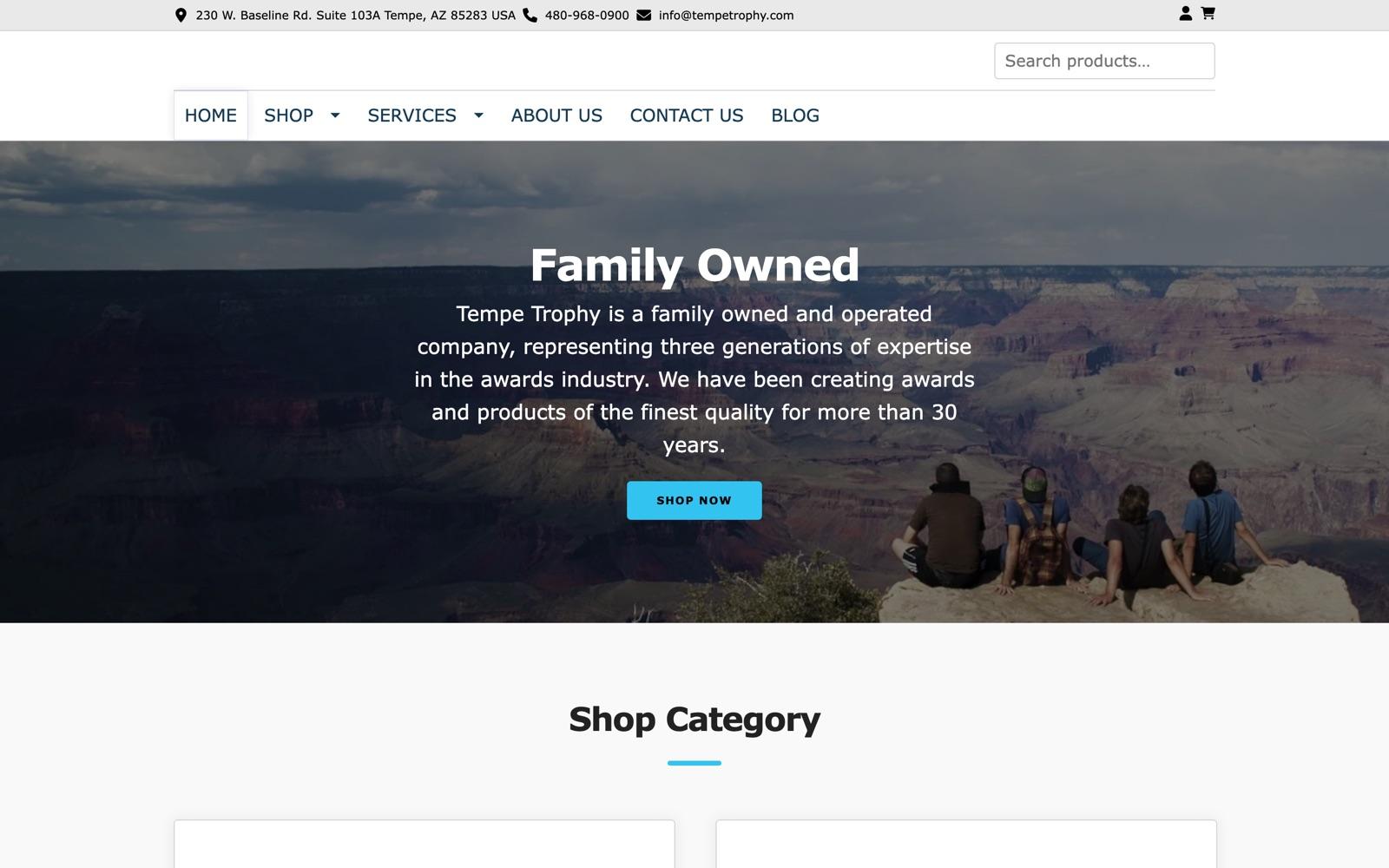
Tempe Trophy is a family-run trophy and awards shop in Arizona that sells custom products through WooCommerce. Product pages were painfully slow on phones: the main content took over 19 seconds to appear and the page was blocked for 13 seconds while scripts ran. The heading structure was also out of order across the whole store.
What I did
- Found about 30 Stripe express checkout, checkout form and React scripts loading on every product page, and limited them to the cart and checkout where they are needed. A product page went from 50 scripts to 19.
- Stopped the image zoom feature downloading 2.8 MB originals on every page load, and fixed the layout jump the product slider caused.
- Moved every product page, the homepage and the footer to one clean H1 to H3 order with no visual change, applied automatically to new products.
- On the homepage, found phones downloading a banner photo the theme hid under a solid panel, fixed a page cache fault that made the desktop banner vanish after a phone visitor warmed the cache, and moved GA4 off a dead Universal Analytics tag without losing tracking.
- Tested card checkout afterwards. It works exactly as before.
Result
Product page mobile PageSpeed went from 27 to 84 and desktop from 62 to 95. Mobile LCP dropped from 19.3s to 3.9s, blocking time from 13,090 ms to 70 ms, and layout shift stayed at 0. Across repeat runs the homepage went from 60 to between 73 and 76 on mobile, and from 89 to between 92 and 97 on desktop.